












 About Us
 Brand
 Career
 Contact Us



 +91-7314623098




Key takeaways
- Assess how well an HRMS connects the different processes across your organisation.
- Ensure your employee data remains accurate and consistent across departments.
- Identify workflows where you can reduce manual effort, delays and errors.
- Test how easily you can handle exceptions, corrections and cross-functional changes.
- Check whether your employees and managers can resolve routine HR tasks independently.
- Choose a platform that helps you make informed workforce decisions while maintaining compliance.
Missing out on one HR task is not a reason to fret.
Problems usually appear when multiple tasks go amiss: a salary revision approved but not reflected in payroll, a new hire waiting for access, or an expired certification discovered before an important assignment.
An HRMS is meant to close these gaps.
It provides a shared system for completing workforce processes and its value rests on how well these functions connect.
Each HRMS function earns its place by completing a specific job, using dependable data and passing a reliable result to the next process. In this guide, we’ll explore how.
What Does an HRMS Actually Do?
An HRMS uses a shared employee record to run the work surrounding every stage of employment. It carries approved information from hiring to onboarding, from attendance to payroll, and from performance reviews to development plans. The same system gives employees access to routine services and provides leaders with consistent workforce data for planning.
Its purpose is practical: record a decision once, apply it wherever needed and preserve a traceable history.
What Are the Functions of an HRMS?
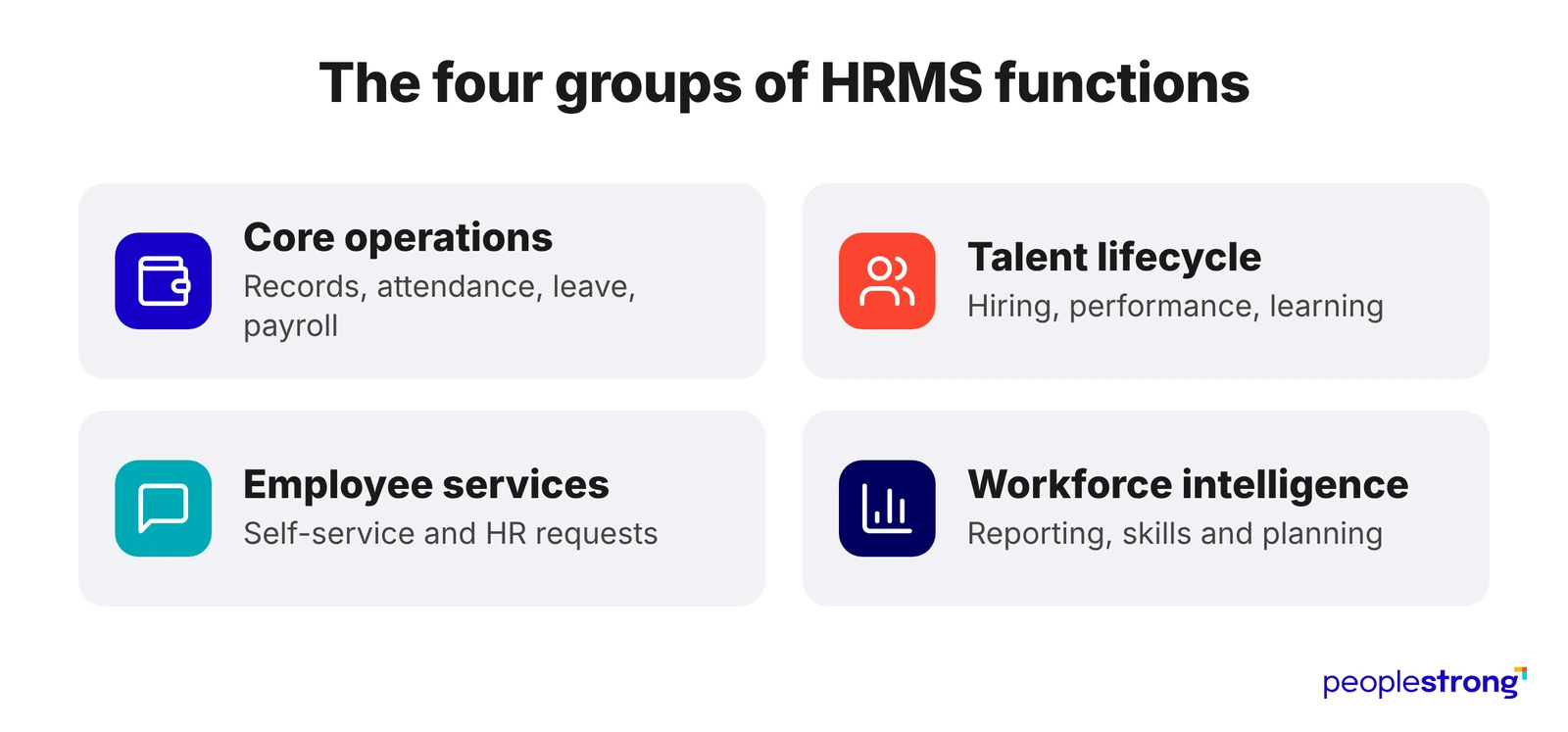
The functions of an HRMS are the jobs the system completes across the employee lifecycle:
| Function group | Work it handles | Expected result |
|---|---|---|
| Core operations | Employee records, attendance, leave, payroll and benefits | Accurate workforce data and pay |
| Talent lifecycle | Recruitment, onboarding, performance, learning and succession | People enter, grow and move through the organisation effectively |
| Employee services | Self-service, HR requests and document access | Routine needs are resolved with clear ownership |
| Workforce intelligence | Reporting, skills data and workforce planning | Leaders can make decisions using consistent evidence |
These groups rely on the same employee and organisational data. SAP’s definition of HRMS, for example, combines core processes with recruitment, performance, learning, compensation and succession capabilities.
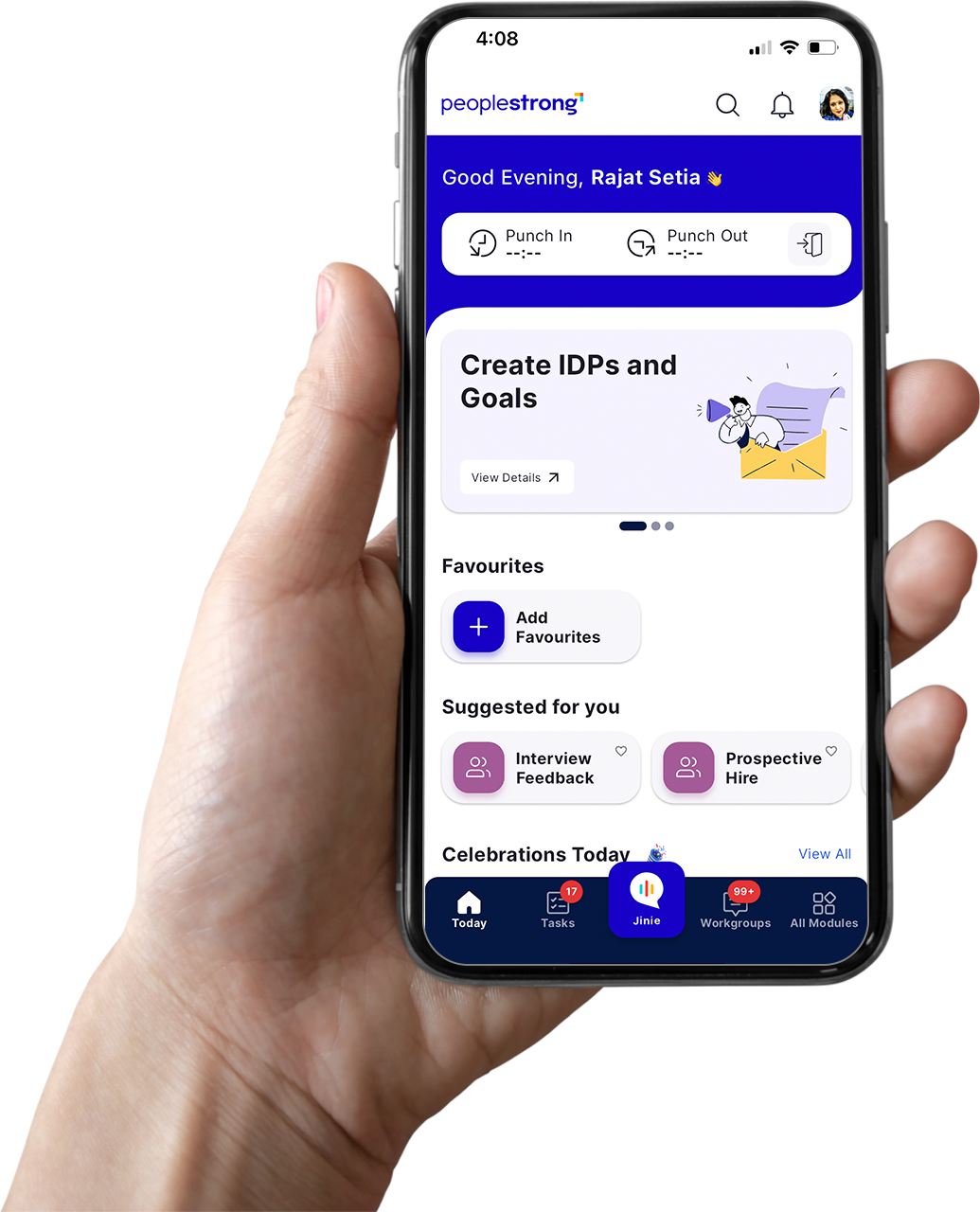
For a product-level view, PeopleStrong’s HRMS software brings core records, workforce management, pay and talent processes into one suite.
Evaluation tip: Product boundaries vary by vendor. Before comparing labels, ask:
- What business event starts the workflow?
- Which record supplies the information?
- Which process depends on the result?
10 Key Functions of HRMS
1. Maintain Employee Records and Organisational Structures
Core HR is the official record of the workforce. It should capture:
- Personal and employment details
- Legal entity, location and cost centre
- Position, manager and reporting structure
- Contracts, documents and employment history
Look for: Effective-dated records that preserve promotions, transfers and contract changes, plus access controls based on role, field and employee group.
2. Process Payroll and Administer Benefits
Payroll depends on information finalised elsewhere in the HRMS.
Approved salary changes, working hours, leave, reimbursements, deductions, benefit selections and employment updates all feed into the pay run.
The system applies the relevant tax and statutory rules, calculates earnings and adjustments, and produces net pay, payslips, payment instructions, compliance reports and accounting entries.
Benefits administration supports this process by determining eligibility, recording enrolment choices and transferring contribution amounts to payroll.
Look for: Payroll teams should be able to trace every amount to its original record, investigate unexpected differences and make corrections without removing the earlier calculation or approval history.
Teams assessing this function can use PeopleStrong’s payroll software as a product reference for payroll calculations, audit checks and employee access to pay documents.
3. Manage Time, Attendance, Leave and Scheduling
This function connects scheduled work, recorded attendance and approved absence. Test it with real exceptions:
- Can it handle overnight shifts and changed rosters?
- Does it apply the right calendar, overtime rule and leave policy?
- Does it flag missed entries before payroll closes?
The final output should be approved payable time and not an unverified attendance log.
4. Support Recruitment and Workforce Demand
Recruitment covers requisition approval, applications, assessments, interviews, offers and candidate communication.
Useful reporting should reveal:
- Where approvals or hiring decisions are delayed
- How candidates progress across roles and locations
- Which skills are difficult to source
- How accepted offers compare with confirmed joiners
Gartner reported in 2026 that only 31% of recruiting functions used labour-market data to shape talent strategy. An HRMS should connect hiring activity with internal demand and external supply.
Compare these requirements with PeopleStrong’s talent acquisition software, which covers sourcing, candidate assessment and onboarding workflows.
5. Coordinate Onboarding and Employee Changes
Onboarding should show whether a new hire is ready to work.
A dependable workflow tracks:
- Documents submitted and verified
- Payroll information approved
- Equipment and system access arranged
- Induction and mandatory training assigned
Each action needs an owner, deadline and status across HR, IT, facilities and the manager. The same workflow discipline should support transfers, promotions and other employee changes.
6. Manage Goals, Feedback and Performance
Performance management connects organisational priorities with individual goals, check-ins, reviews and development actions.
Why continuity matters: Goals, evidence and review history should remain intact when an employee changes role or manager.
McKinsey’s HR Monitor 2026 found that more than half of employees received feedback once a year or not at all. The HRMS should make regular conversations easier and carry development commitments into learning and mobility plans.
7. Build Skills, Learning and Succession Pipelines
Learning and succession answer different workforce questions:
| Learning asks | Succession asks |
|---|---|
| Which skills does this role require? | Which roles are critical? |
| What must the employee complete? | Who could step into them? |
| When does a qualification expire? | How ready and willing is each successor? |
Skills data should help leaders decide whether a gap requires hiring, development or redeployment.
PeopleStrong’s learning management system shows how learning paths, course delivery, and completion tracking can operate within a wider HR technology environment.
8. Enable Employee and Manager Self-Service
| Employers need to | Managers need to |
|---|---|
| View payslips and documents | Approve leave and transactions |
| Update permitted information | Initiate employee changes |
| Submit and track requests | View appropriate team information |
Good self-service also shows the request status, next action and responsible team.
Pro tip: Sensitive cases require precise permissions, while mobile access should support common tasks fully.
9. Protect Compliance, Privacy and Process Evidence
Compliance runs through every HRMS function. Check whether the platform can:
- Apply statutory payroll rules
- Enforce record-retention and consent requirements
- Restrict access to sensitive information
- Prove who entered, changed and approved a record
- Retain certification and workflow evidence
Remember: Automation records and enforces a process. HR leaders remain accountable for consequential decisions.
10. Turn Workforce Data Into Decisions
People analytics combines data from core HR, payroll, recruitment, performance and learning. Its usefulness depends on whether leaders can answer practical questions:
- Where are vacancies, absence or attrition affecting delivery?
- Which skills exist, and where are the gaps?
- How will planned hiring or restructuring change workforce cost?
- Which figures are approved commitments and which are scenarios?
Every metric needs a clear definition, owner, calculation and source record.
Evaluate HRMS Functions Through Real Work
Feature lists make most HRMS products look remarkably similar.
A more revealing evaluation uses situations where timing, judgement, or corrections matter.
Ask every shortlisted provider to complete three types of scenarios:
| Scenario | Example | What it reveals |
|---|---|---|
| Routine transaction | An employee requests leave, and the manager approves it | Everyday usability and processing speed |
| Policy exception | A shift worker requests leave across two payroll periods | Rule depth and exception handling |
| Retrospective correction | HR discovers that a salary change used the wrong effective date | Auditability, recalculation and recovery |
Do not allow the demonstration to end when the user clicks “Submit.” Follow the transaction until every affected process has received the correct result.
During each demonstration, examine:
- Decision context: Can the approver see the information needed to make a responsible decision?
- Downstream impact: Does the system show which records, calculations or workflows will change?
- Error visibility: Are failed actions placed in a review queue, or do they disappear into technical logs?
- Correction design: Can an authorised user fix the error while preserving the original submission and approval history?
- Operational ownership: Is someone clearly responsible when the process stops?
- Employee communication: Does the employee receive a useful explanation rather than a generic status message?
Judge the HRMS System by What HR Can Prove
A useful HRMS selection process ends with fewer claims and more evidence:
- Can payroll explain why an employee’s net pay changed?
- Can HR confirm that a transferred employee received the correct policy and system access? Can a manager see why a request has returned for correction?
- Can the organisation reconstruct who approved a decision six months later?
Begin with the workforce events that create the most effort, delay and risk in your organisation.
Then, assess whether the HRMS can carry each event from request to resolution while preserving ownership, context and evidence.
PeopleStrong brings core HR, payroll, talent and workforce intelligence into one enterprise platform. Its relevance should be judged where any HRMS matters most: in the accuracy of everyday transactions, the quality of cross-functional handoffs and the organisation’s ability to explain what happened.
Frequently asked questions
What is the difference between an HRMS, an HRIS and HCM software?
An HRIS typically focuses on personnel information and administration. An HRMS usually extends into areas such as pay, attendance and recruitment, while HCM software often places greater emphasis on talent and workforce strategy. Vendors use these terms differently, so organisations should compare the included capabilities rather than rely on the product category.
How long does an HRMS implementation take?
An HRMS implementation may take several weeks for a limited rollout or many months for a multinational programme. The timetable depends on data quality, configuration, integrations, local requirements, testing and change management. A credible project plan should show milestones, responsible teams, acceptance criteria and contingency time.
Which information should be migrated to a new HRMS?
HRMS migration commonly includes active worker profiles, contractual details, organisational assignments, current leave balances, year-to-date pay figures and legally required history. Resolve obsolete or duplicate material before transfer. Each dataset also needs an owner who confirms its accuracy after migration.
Can one HRMS support employees in several countries?
One HRMS can support a multinational workforce when it provides suitable localisation for every jurisdiction in scope. Buyers should verify languages, currencies, public holidays, statutory reporting, privacy controls and payroll arrangements country by country. A global employee directory alone does not establish full operational coverage.
Who should participate in selecting an HRMS?
An HRMS selection team should include representatives from HR, payroll, finance, IT, information security and data privacy, together with managers and employees who will use the system. Procurement can lead commercial negotiations, but operational specialists must confirm whether the proposed design can handle real policies and working practices.
Can an HRMS integrate with ERP and finance software?
An HRMS can exchange information with ERP, accounting, identity and other business applications through vendor-supported APIs, packaged connectors or secure file transfers. Buyers should confirm the fields exchanged, transmission schedule, security method, error alerts and responsibility for maintaining each connection after product upgrades. The PeopleStrong integrations directory provides examples of the business applications and HR tools that can be connected.
How can an organisation measure the return on an HRMS investment?
HRMS return can be assessed by comparing pre-implementation and post-launch results for administrative time, payroll corrections, HR enquiry volumes, hiring delays, compliance effort and software costs. Financial savings matter, but faster resolution, stronger data quality and reduced operational exposure should also form part of the business case.